 |
|

|
ReaWatermark 2.1
  Watermarking photos with ReaWatermark:
ReaWatermark simplifies the process of creating and applying image watermarks to a single file or multiple files in multiple folders.
Your watermark can be composed some text, lines, curves, polygons and/or images of any kind.
Complex transparency settings allow you to create transparent, semi-transparent or opaque watermarks, even using varied transparency for different part of your watermark.
ReaWatermark provides a set of built-in customizable templates. You can apply them right away or use them as bulding blocks for your creation.
Key Features:
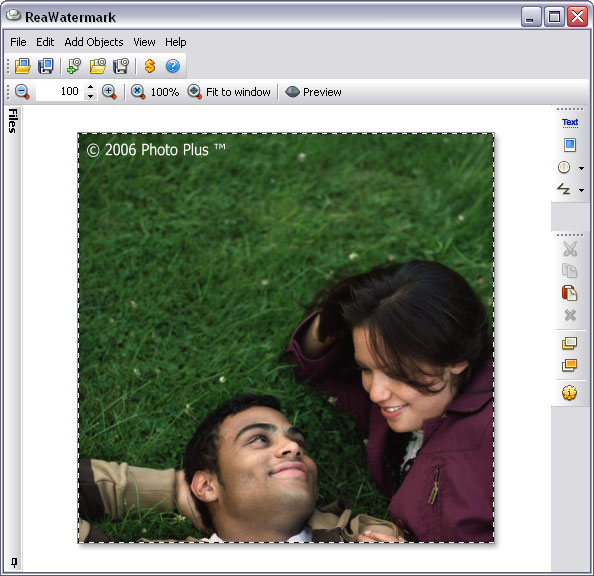
( click on image to see larger picture )
System Requirements:
|
 affordable and business-ready solutions
 For fastest service you can purchase ReaWatermark from our secure online store:
 ReaWatermark additional info
veni vidi vici
|
 ( 3.4Mb )
|
( 3.4Mb )
|
 One step for watermarking large number of photos

|
reaConverter Online
 reaConverter Web
Downloads
ReaSoft Store
Technical Support
Contact Us
Site Map
reaConverter Web
Downloads
ReaSoft Store
Technical Support
Contact Us
Site Map
Copyright © 2001-2026 ReaSoft Development.
All rights reserved. Use of this website signifies your agreement to the Online Privacy Policy. |