 |
|

|
Using ReaJPEG: Batch Process mode
With the ReaJPEG Batch Process mode you can convert a lot images at once. You should use this mode when you have a number of images to convert and you want to apply exactly the same image processings to all these images. Or you just want to do the mass convertion without any processings at all.
Typical usage of Batch Process mode looks like this:
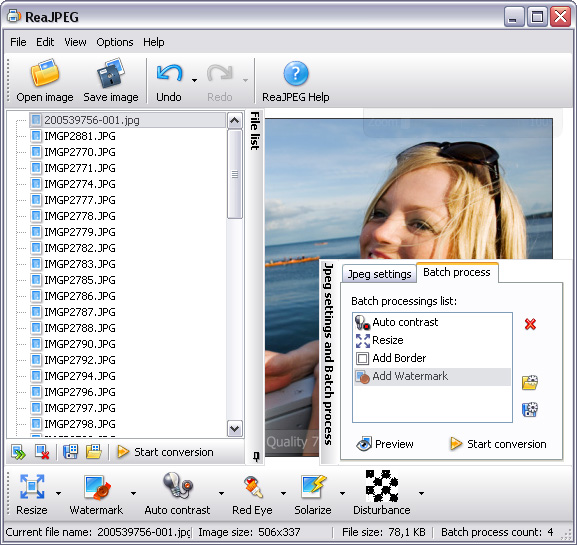
( click on image to see larger picture )
 ReaJPEG online help file
[an error occurred while processing the directive] ReaJPEG online help file
[an error occurred while processing the directive]
|
[an error occurred while processing the directive] |

|
reaConverter Online
 Downloads
ReaSoft Store
Technical Support
Contact Us
Site Map
Downloads
ReaSoft Store
Technical Support
Contact Us
Site Map
Copyright © 2001-2024 ReaSoft Development.
All rights reserved. Use of this website signifies your agreement to the Online Privacy Policy. |